Your personal
AI music video generator

Drop in any song and walk away with a cinematic, beat-synced music video, lyrics and all. No camera, no crew, no editing skills. Just your track, brought to life.

Lyrics transcribed word-level
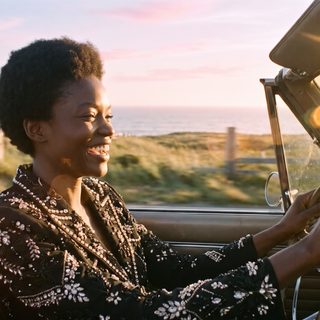
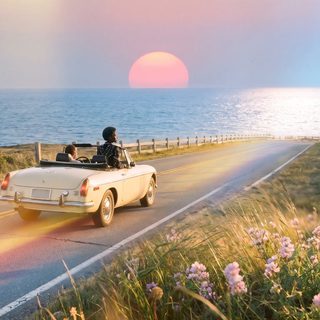
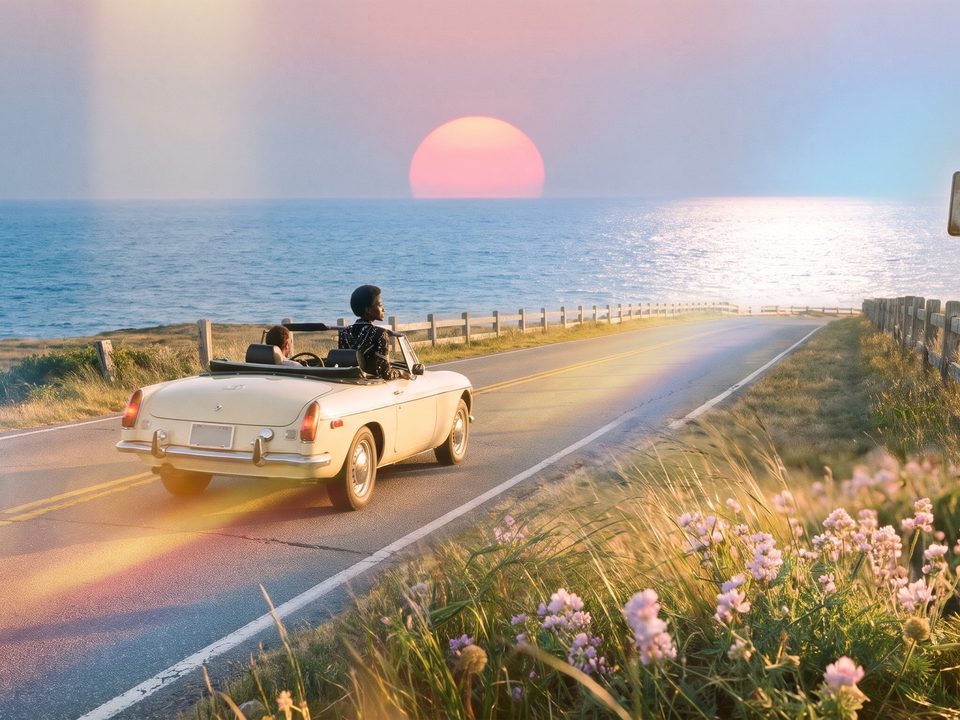
Chorus → Coastal sunrise shot 11 / 15
Clips ready 1080p · 16:9
How it works

From audio file to finished MV in four steps.

You stay in control of every creative decision. MVCraft handles the tedious parts: transcribing, planning, drawing, animating and rendering.

01 — Upload

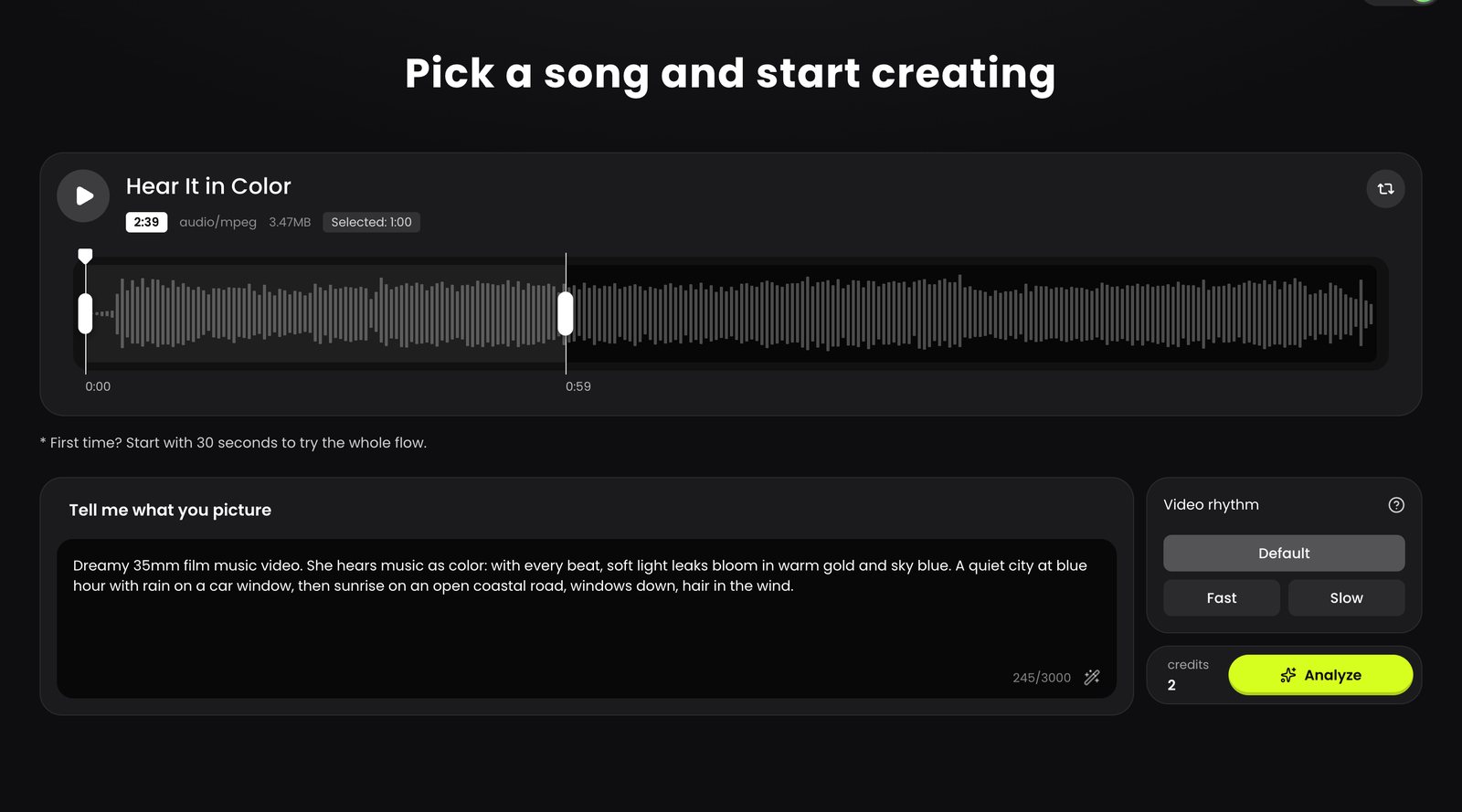
Drop in a song, pick the part you want

Upload an MP3, WAV or M4A. Drag across the waveform to choose the section to turn into a video. Describe the scenes you see in your head, or let the AI magic wand write the brief for you.

  • Tempo detected right in your browser
  • Choose a cutting rhythm: fast (~3s), default (~4s) or slow (~6s) per shot
  • Start with 30 seconds to try the full flow
MVCraft upload screen with a one-minute clip selected on the waveform and a scene description
02 — Analyze

AI listens to the whole song

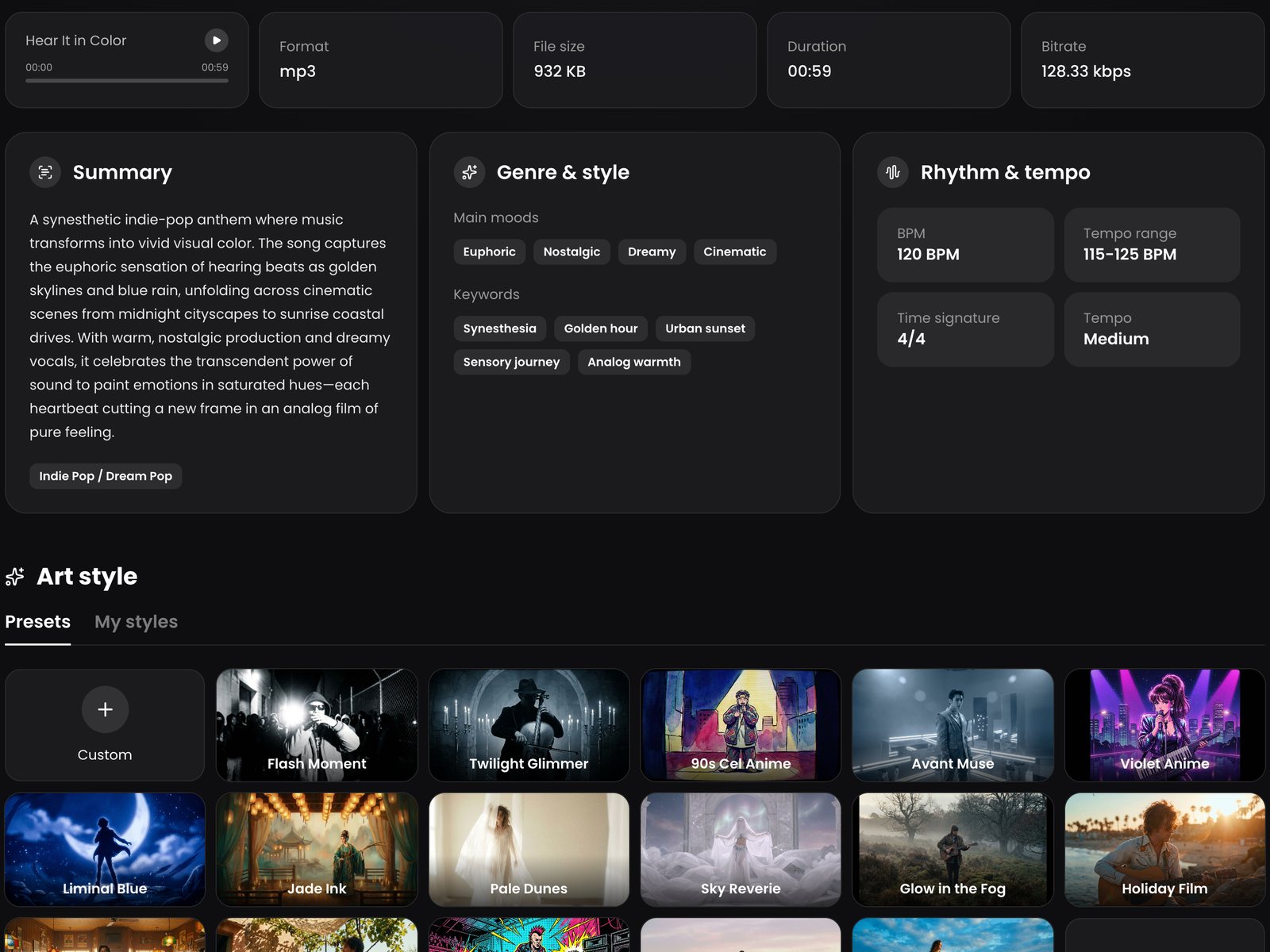
Lyrics are transcribed word by word and split into clean subtitle lines. The song is mapped into intro, verse, chorus and bridge, with genre, mood, keywords and BPM. Then choose an art style, a lead character and an aspect ratio.

  • Word-level timestamps become auto-subtitles
  • Song structure drives the storyboard
  • 46 art styles, 16 characters, or your own
Music analysis: summary, moods, keywords, 120 BPM and the art style picker
03 — Storyboard

A shot list planned around your music

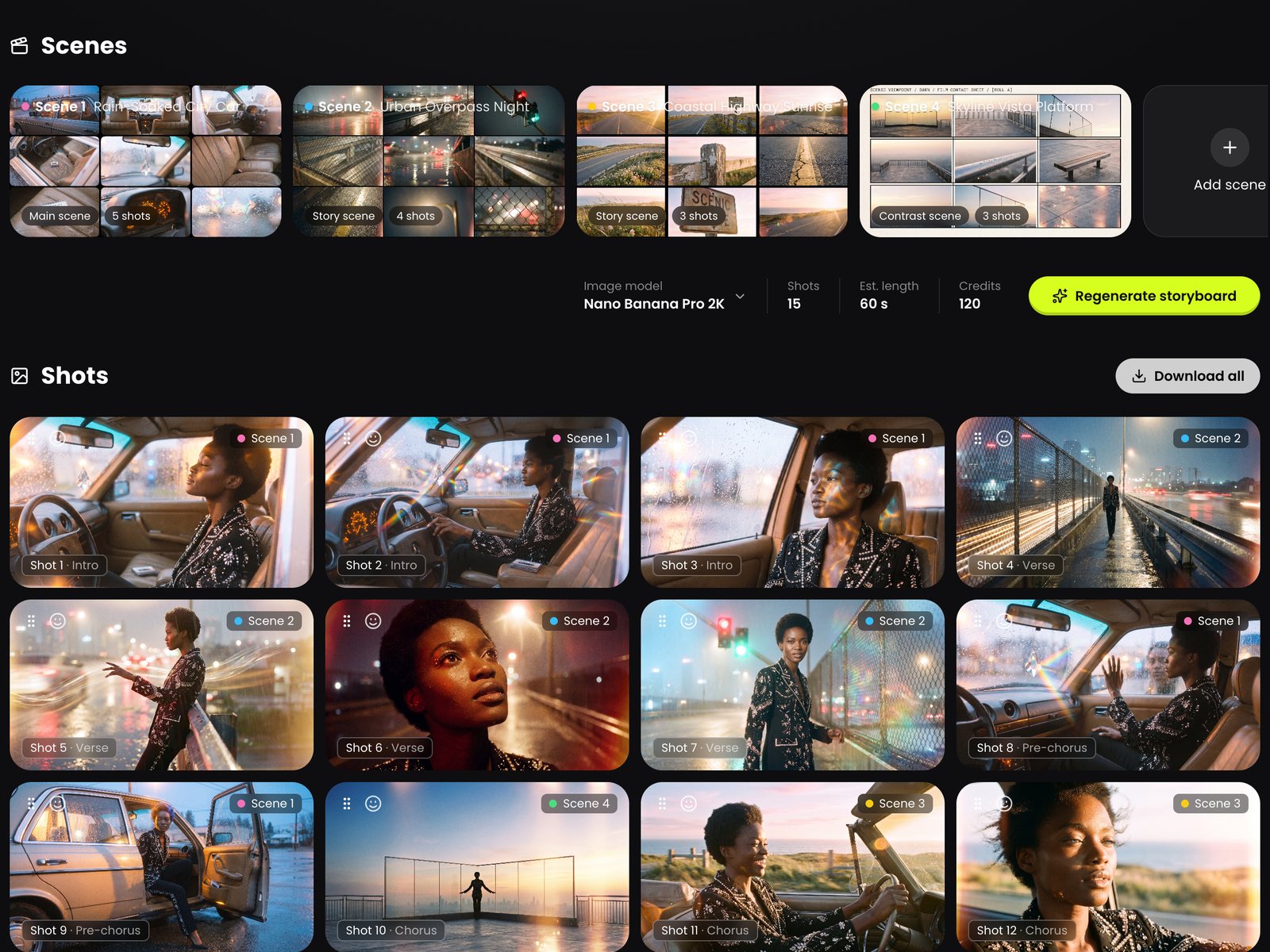
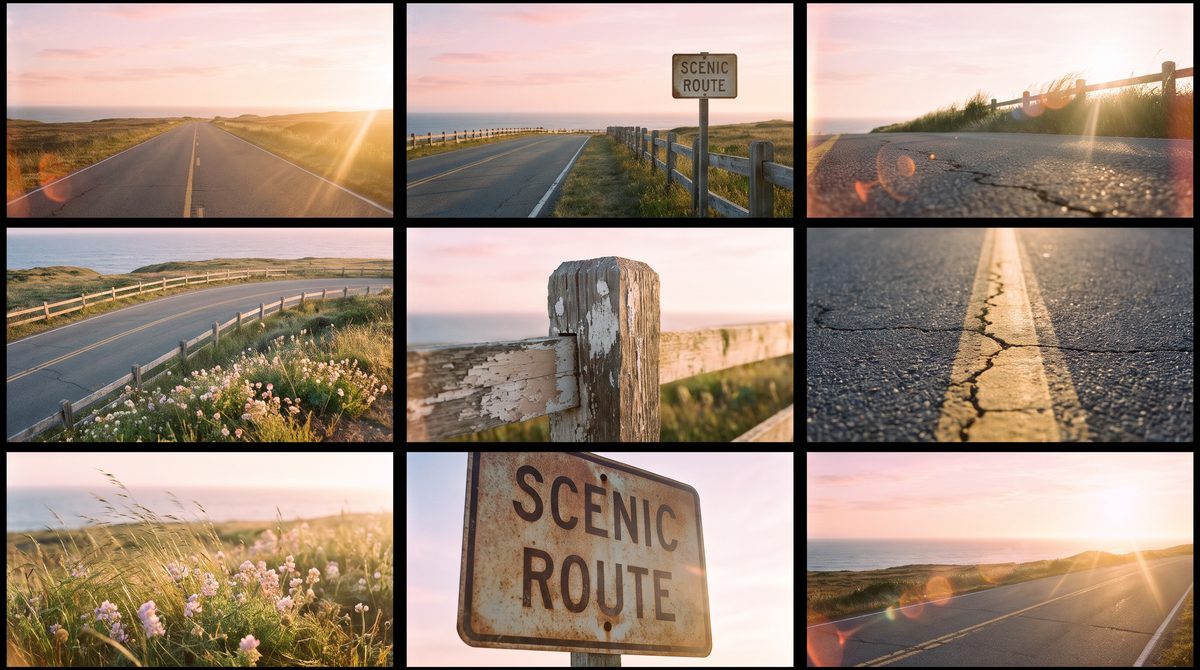
Shots are cut on the beat and scene changes land exactly on section boundaries. Each location is drawn as a 3×3 reference grid first, so every shot in that scene looks like the same place, with the same character.

  • Shot type, mood, action and camera motion for every shot
  • Drag to reorder, add or remove scenes, regenerate any frame
  • Every regeneration is kept as a version you can switch back to
Storyboard with four scene reference grids and fifteen shots
04 — Edit & render

Animate, add subtitles, export

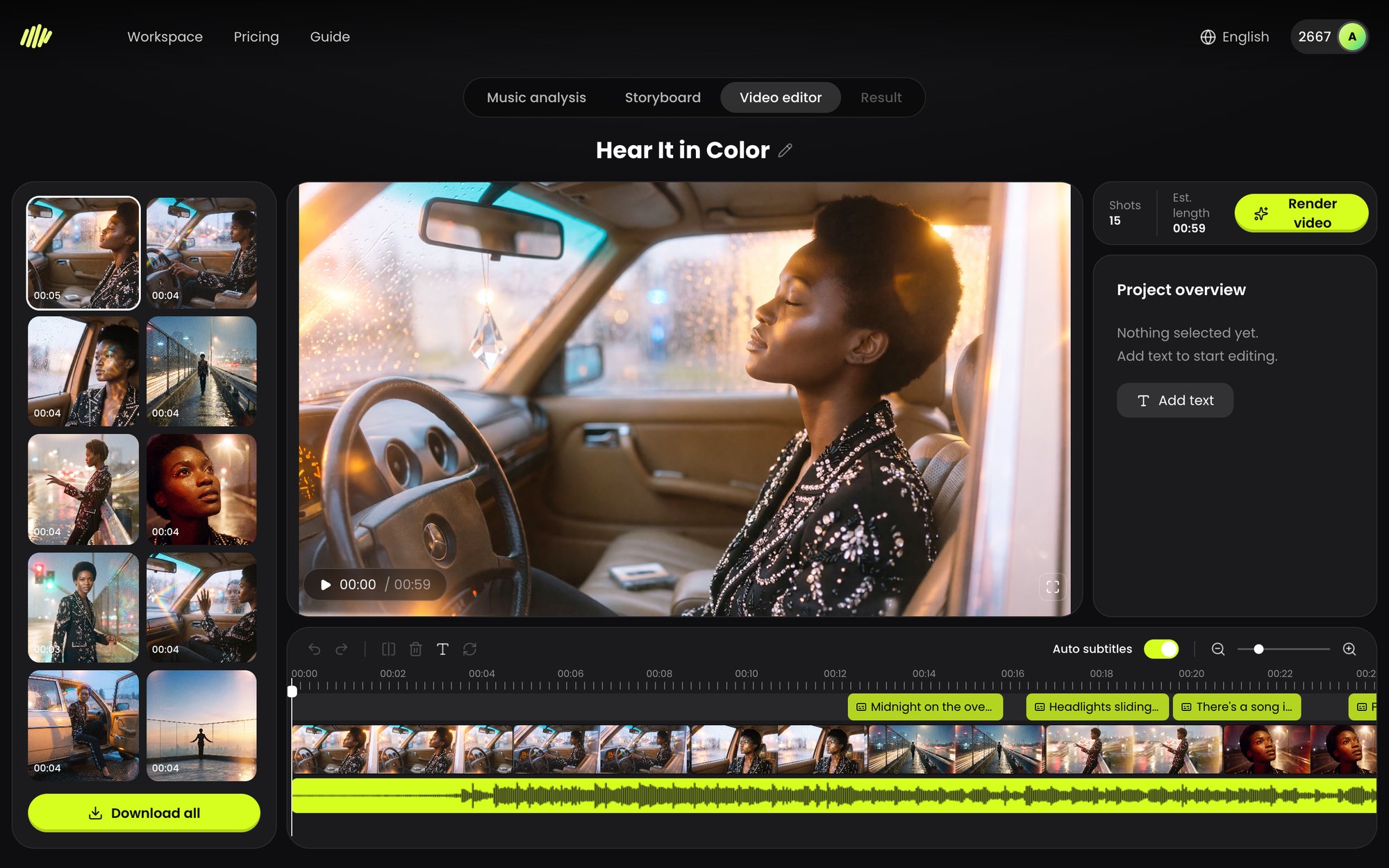
Every shot becomes a moving clip. Preview in the timeline editor, retime and restyle lyrics, then render one finished MP4 with your original audio. Not happy with a clip? Regenerate just that one.

  • Image-to-video for every shot, in 720p or 1080p
  • Subtitle editor with fonts, colours, positions and undo/redo
  • Download the MV, or all stills and clips in bulk
46+Curated art styles
16Ready-to-cast characters
4Aspect ratios, from widescreen to vertical
1080pMax video resolution
Why MVCraft

It edits like a director who has heard the song.

Generic video generators make clips. MVCraft makes a music video, where the cuts, the scenes and the words all follow the track.

Beat-synced cutting

Shot lengths snap to whole multiples of the beat, so every cut lands on the rhythm. Section boundaries are aligned too, which means a new scene always opens exactly where the chorus or bridge kicks in.

Main scene · intro & chorusStory scenes · versesContrast scene · bridge

Lyrics become subtitles

Word-level transcription, split by pauses and punctuation into readable lines. Works for English and CJK lyrics.

The same star in every shot

Your character's reference image travels with every frame, so the lead looks like the same person from the first verse to the last chorus.

Locations that stay put

Each scene is designed as a 9-angle reference grid of one place. Every shot is drawn against it, so props and lighting don't drift.

A 3×3 reference grid of a coastal road at sunrise

Scenes with real contrast

Scenes differ in at least two ways (indoor vs. outdoor, warm vs. cold, tight vs. open), so the bridge actually feels like a turn.

Shot-level control, no starting over

Regenerate a single image or clip without touching the rest. Move a shot to another scene and its description is rewritten to fit the new place. Delete a scene and its shots are re-homed automatically.

Made for every screen

16:9 for YouTube, 9:16 for TikTok, Reels and Shorts, plus 4:3 and 3:4. Export in 720p or 1080p.

Pick your image model

Choose between Nano Banana Pro, Nano Banana 2 and GPT Image 2.5 for every project. Everything is drawn at 2K and animated with Grok Imagine.

Fair, transparent credits

You see the estimated cost before anything is generated. Credits are held during a job and only charged when it succeeds; if a generation fails, they come straight back.

Art styles

46 looks, one click each.

From 90s cel anime and claymation to film noir, Y2K holo and golden-hour film grain. Switch the style per project, or per scene.

Your library

Bring your own look. And your own face.

Save custom styles and characters once, then reuse them across every project.

Custom styles

Upload up to 6 reference images: stills from a film, an album cover, your mood board. MVCraft distils them into a reusable style and keeps the references on hand for every shot.

→ Cover generated for the custom style Golden Film

Custom characters

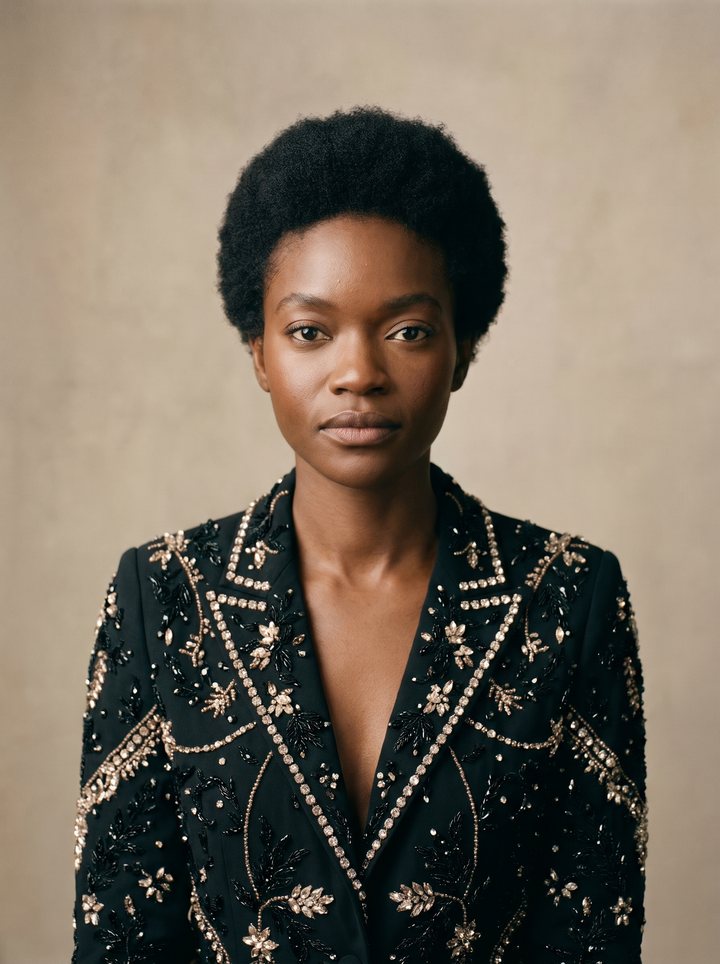
Upload one photo of yourself or your artist. MVCraft turns it into a clean, front-facing character sheet with a written description, then casts it as the lead in your videos.

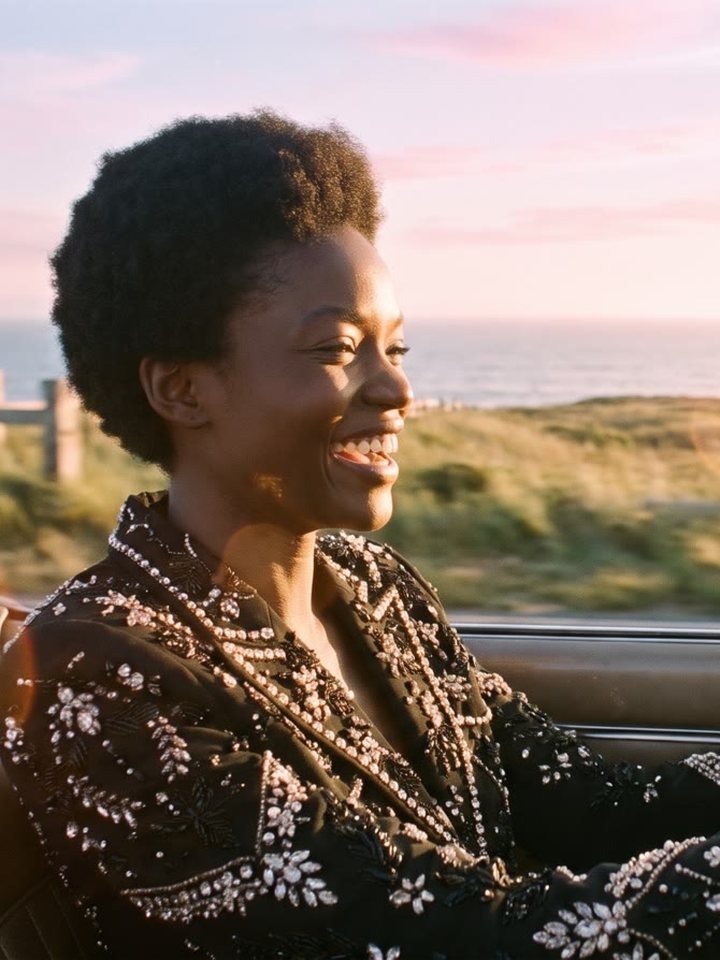
Uploaded photo: a woman driving a convertible → Generated front-facing character portrait
The editor

A real timeline. Right in your browser.

Preview the whole MV while clips are still generating, polish the lyrics, and render when it feels right.

MVCraft video editor with preview, shot list, subtitle track and timeline
Live previewStills stand in for clips that are still rendering, so you can review the cut straight away.
Drag-to-retime lyricsMove subtitle blocks on the timeline and position the text directly in the frame.
Subtitle stylingFonts, colours and styles, rendered exactly as you see them in the preview.
Fast shortcutsSpace to play, ⌘Z / ⇧⌘Z to undo and redo.
Made with MVCraft

One song. Three completely different worlds.

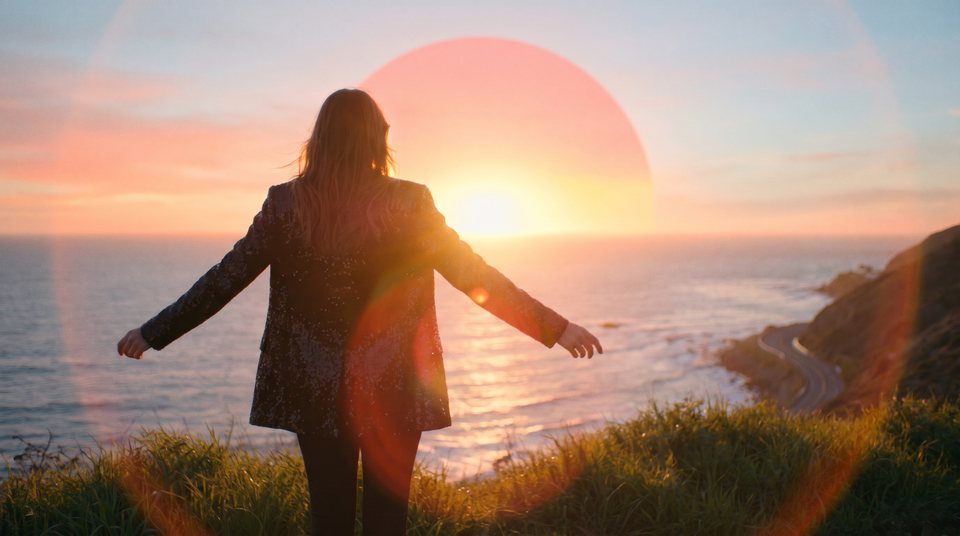
All three were made in MVCraft from the same track, "Hear It in Color": a dreamy 35mm film cut, a 90s cel anime cut and a claymation cut.

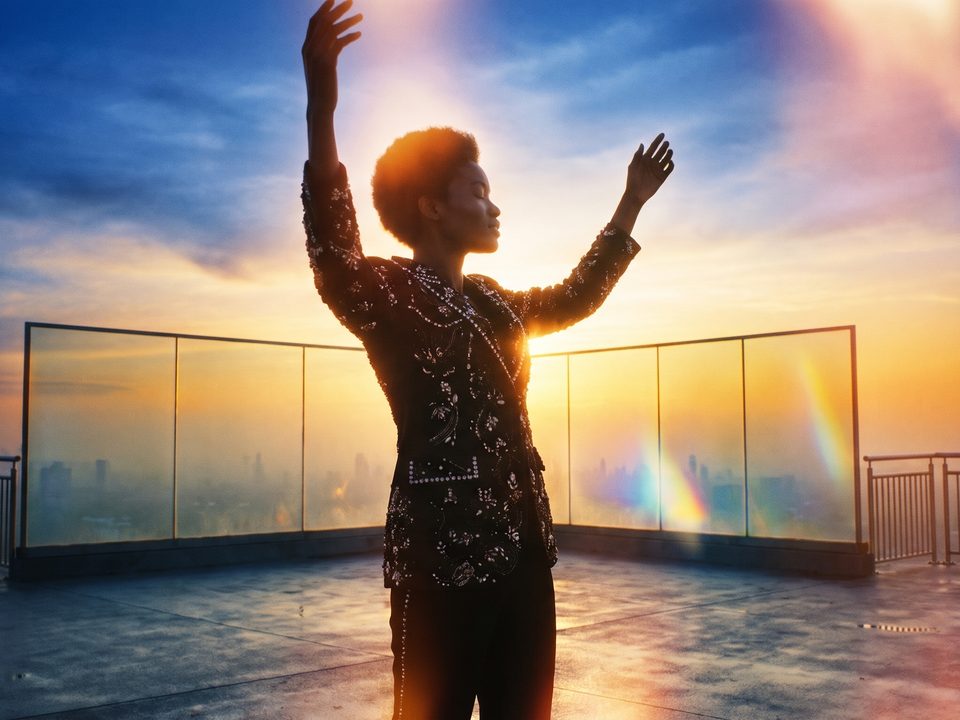
Daydream Film · 16:9 · intro to first chorus
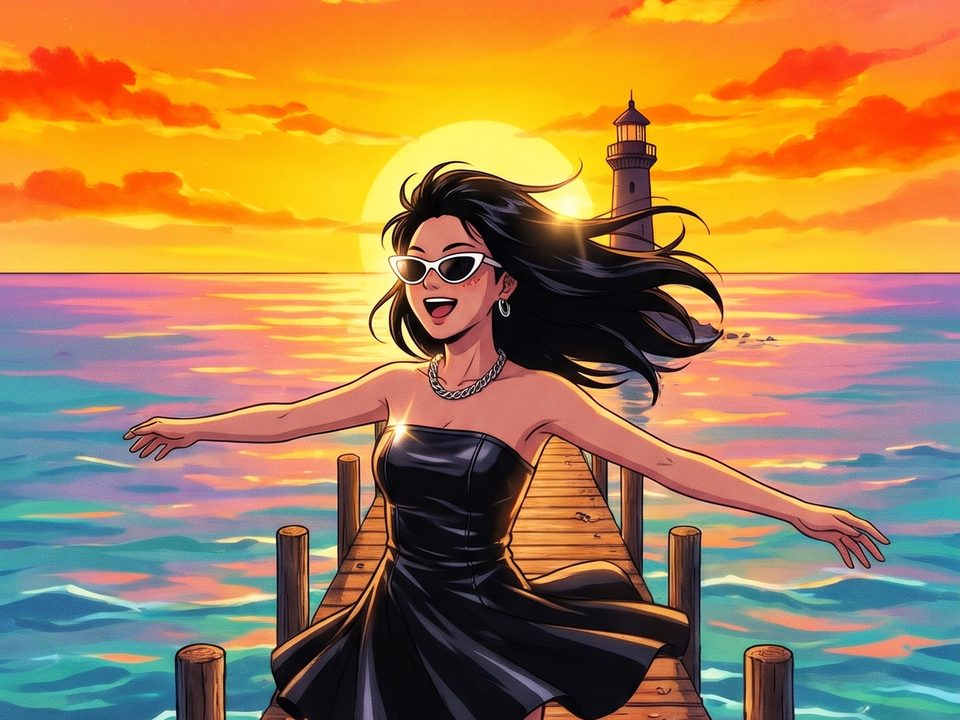
90s Cel Anime · 9:16 · bridge to final chorus
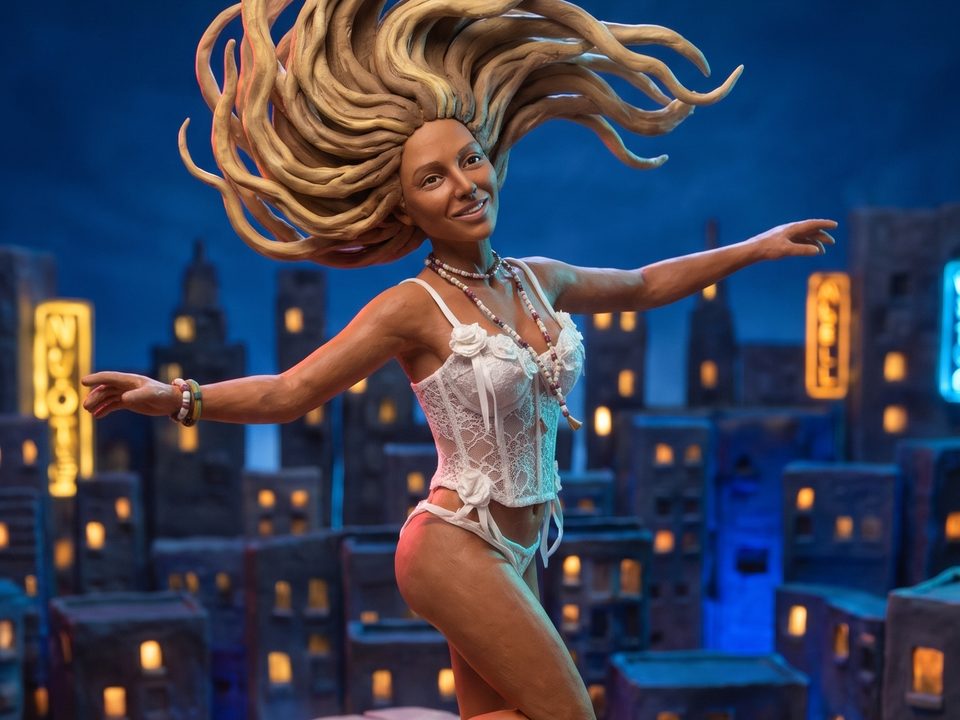
Claymation · 9:16 · pre-chorus to chorus
Who it's for

For everyone with a song and no video budget.

Independent artists

Release day visuals for every single, without booking a crew.

Short-form creators

Vertical 9:16 cuts with burned-in lyrics, ready for TikTok, Reels and Shorts.

AI music makers

Give your generated tracks a visual identity that matches the sound.

Labels & studios

Pitch visual concepts, prototype treatments and scale lyric videos across a catalogue.

Pricing

Pay for what you generate.

Pick the plan that fits how often you make music videos. Every plan unlocks all models and all styles.

Lyrics transcription

2 credits per minute of audio

Images · 2K

8 credits Nano Banana · 10 credits GPT Image 2.5

Video clips

5 credits/sec at 720p · 10 credits/sec at 1080p

New accounts get 100 free credits. Credits are only charged for successful generations.

FAQ

Questions, answered.

Can't find what you need? Get in touch

What is MVCraft?

MVCraft is an AI music video generator. Upload a song and it transcribes the lyrics, maps the structure and tempo, storyboards every shot on the beat, animates each one and renders a finished, subtitled music video. Fine-tune anything in the editor, then download the MP4.

What kind of audio can I upload?

MP3, WAV, M4A and other common formats. Songs between 30 seconds and 3 minutes work best. After uploading you choose exactly which part of the track to turn into a video.

Do I need video editing experience?

No. MVCraft plans the shots, draws them, animates them and renders the final MP4. The editor is there when you want to tweak something, not because you have to.

Can I edit my AI music video after it's generated?

Yes. Every project stays editable. Rewrite a shot's description and regenerate just that image or clip, swap in your own image, drag shots to reorder them, and edit subtitle text, timing, font and position. Then render again. You only pay for the shots you regenerate, never for the whole video.

Can I use the music videos commercially?

Yes. The videos you generate are yours to use, commercially included: release them on YouTube and streaming platforms, post them on social media or use them in promotion and ads. Just make sure you own or have the rights to the song you upload and to any photo you use for a character.

Will my character look the same throughout the video?

Yes. Every shot is generated with your character's reference image plus a reference grid of its scene, which keeps both the person and the location consistent from shot to shot.

Can I use my own face or my own visual style?

Yes. Upload a single photo to create a custom character, or up to six reference images to create a custom style. Both are saved to your library and can be reused in any project.

What if I don't like a shot?

Regenerate just that shot's image or clip. Earlier versions are kept so you can switch back. You can also edit its description, move it to another scene or reorder the storyboard.

Which formats can I export?

An H.264 MP4 with your original audio and burned-in subtitles, in 16:9, 9:16, 4:3 or 3:4, at 720p or 1080p. You can also download every storyboard image and video clip in bulk.

How do credits work?

Transcription, images and video clips cost credits; you see an estimate before you start. Credits are held while a job runs and only charged when it succeeds. Failed jobs are refunded automatically.

Your next single deserves a video.

Upload a song and watch the first storyboard appear in minutes.